Aviator Game Download - Download App it for Android and iOS
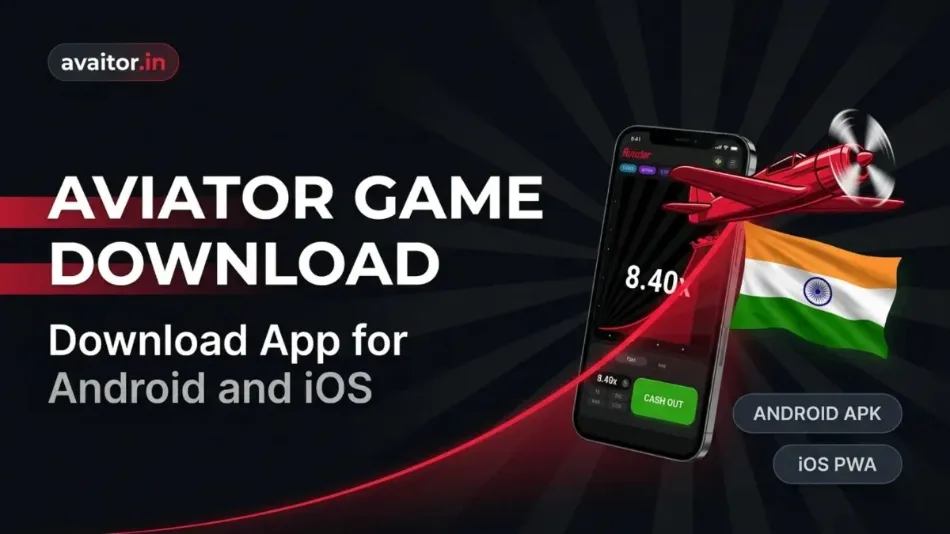
Aviator app allows you to play the crash game on your mobile. Spribe does not have such software, but you can most often install it from the casino site with a crash game. All the features and rules stay the same.
Main Points About the Aviator Mobile App
Pick a casino, download and install the Aviator game, and begin playing this famous game on mobile.
Modern casinos offer an Aviator app for Android or iOS. You can install any version from the casino’s official site. Do not try to find such software on third-party sites; it can be fraudulent or hacked.
| Mobile platforms | Android and iOS |
|---|---|
| Minimum Android version | Android 6.0 or newer in most cases |
| Minimum iOS version | iOS 12.0 or newer in most cases |
| Download size | 10–20 MB for Android APK, 5–10 MB for iOS PWA |
| Installed app size | From 50 MB to 130 MB for Android app, 5–10 MB for iOS PWA |
| Demo game | Usually possible |
| Internet connection | Stable 3G, 4G, 5G, or Wi-Fi is required |
Aviator App on Android
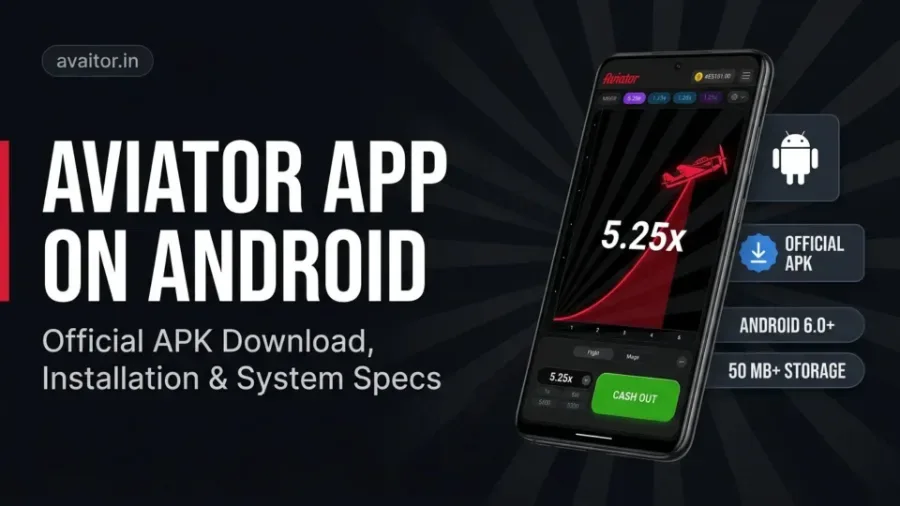
Users with Android devices can get the app via an APK file; they can find it on the chosen casino site. Downloading and installing the application is free on official gambling sites.
How to Download an Aviator Android App
If your casino has a verified Android APK for Aviator, just follow these steps to download it:
-
Open the casino's official site in any Android browser that is up to date.
-
Look for sections like Mobile App, Android, or Download.
-
Make sure Aviator is listed among the games available in the app.
-
Download the APK using the casino’s official link.
Steps to Install the Android Aviator APK
After the APK is on your Android device, your task is to install it. Here are the guidelines you need:
-
Open the file you just downloaded.
-
If prompted by Android, allow installation permissions for the browser or file manager you used.
-
Check the installation prompt and proceed to install the app.
-
Launch the casino app, log in, and locate Aviator in the casino or Crash Games tab.
-
If you don't need it anymore, revoke the installation permission.
If there's no official APK link, steer clear of fake files being sold as an "Aviator predictor", "modded Aviator APK", or any application that claims guaranteed wins on third-party sites. Get APKs only from official casinos.
Android Technical Requirements for Aviator
Aviator APKs from different casinos come with varying system needs. Spribe doesn't detail a specific Android version, APK size, processor, or RAM requirements that apply universally to all casino apps featuring Aviator; this is determined by those who create casino apps.
| Technical requirement | Typical value |
|---|---|
| Operating system | 6.0 or newer |
| Processor and RAM | 2.0 GHz, 2 GB RAM |
| Storage space | 50 MB or higher |
| Internet connection | 3G, 4G, 5G, or Wi-Fi |
| Browser | The most up-to-date version is best |
| Screen | 1280х720 |
| App permissions | Allow browser and software permissions if needed |
| Updates | Automatically or manually from the official casino site |
Aviator App for iPhone and iPad
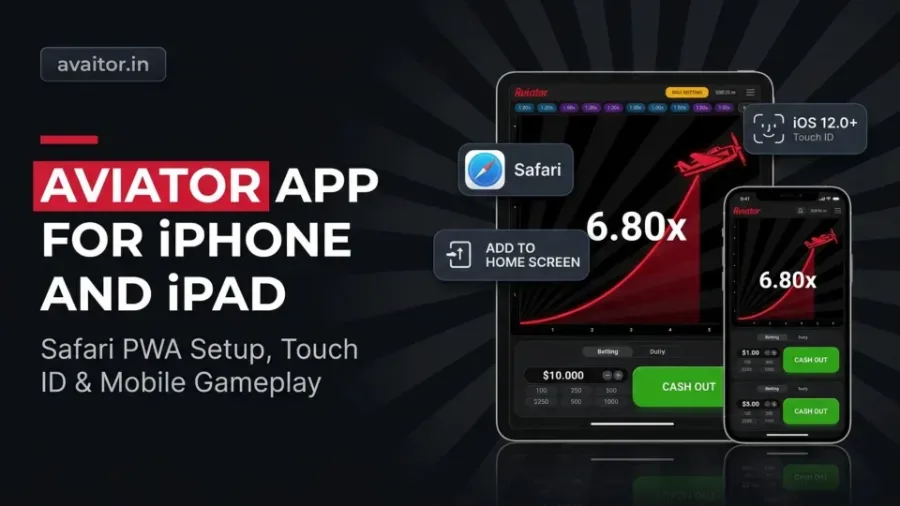
On iOS, users can access Aviator on mobile via a suitable casino site in Safari. Most often, you can download and install the progressive web app (PWA) via Safari.
How to Download and Install the Aviator iOS App
Official casinos allow you to download and install the progressive web app with Aviator; there is no official iOS app from Spribe. Here are the steps to get the software:
-
Launch Safari on your iPhone or iPad.
-
Head to the official site of a casino that has Aviator.
-
Open the Share menu in Safari.
-
Choose Add to Home Screen.
-
Press Trust to confirm the casino’s site is safe (ensure this is really the case).
-
Where it shows the option, turn on Open as Web App, then tap Add.
-
Confirm installation via Face ID or Touch ID.
-
Use the new app icon to begin playing Aviator on iOS.
Sometimes, you can install a separate app with an IPA file or get software from the App Store. In this case, the casino provides detailed instructions right on the mobile site.
iOS Technical Requirements for Aviator
There isn't a universally accepted requirement for all iOS Aviator apps; you should check conditions set by the chosen casino. However, typical requirements are just fine for most modern iPhones and iPads.
| Technical requirement | Typical value |
|---|---|
| iOS or iPadOS version | 12.0 or newer |
| Installation file | IPA or PWA |
| Storage | From 5 MB to 150 MB |
| Internet connection | 3G, 4G, 5G, or Wi-Fi |
| Face ID / Touch ID | Only to approve installation |
| Software updates | Through the App Store or the casino’s official site |
Aviator App Mobile Game Features
The mobile interface of any Aviator app revolves around one key choice: when to cash out before the plane disappears from view. Spribe's guidelines outline two betting panels, along with betting, cashout options, and a Bet History area that lets players review fairness details from earlier rounds.
| Interface element | What it does |
|---|---|
| Multiplier | Starts at 1.00x and goes up until the round concludes |
| Bet panel | You use it to place a bet before the next round |
| Cashout button | Ends an active bet at the accepted multiplier |
| Second bet panel | Lets you place a second independent stake in the same round |
| Auto Bet | Automatically places subsequent bets when enabled |
| Auto Cashout | Requests a cashout at your selected multiplier if the round reaches it |
| Bet History | Shows past crash multipliers and access to fairness checks |
| Live Bets | Displays current bets and cashouts from players in the ongoing round |
| Chat | Offers a feature for communication during the game where available |
How to Play Aviator on a Phone or Tablet
Playing in the Aviator app usually occurs the same as on the desktop site. Here are the steps required:
-
Download and install the casino mobile app with Aviator.
-
Find the game in the Crash Games category and run it.
-
Select a betting amount in the Bet panel before the next round kicks off.
-
Tap Bet. The stake gets accepted for the next round as long as the betting window is still open.
-
See the multiplier rise from 1.00x.
-
Hit Cashout before the plane leaves the gaming field.
-
Check the outcome and continue playing.
For instance, if you cash out a stake of $100 at 2.00x, you'll get back $200 total, which includes your original $100 stake. A round that wraps up before a cashout gives you nothing on that bet.
Mobile Performance and Internet Connection in the Aviator App
Spribe notes that mobile Aviator is designed to operate effectively on handheld devices with limited Internet connection. That doesn't set a specific number for how much data you use each hour, promise a frame rate, or claim that putting in a casino app always speeds up the game compared to playing it in your browser.
To get better mobile access, make sure your browser or casino app is up to date, use a reliable connection, and steer clear of opening extra apps while you play. If your screen locks up or the connection fails, take a moment to review the transaction or round history before making another bet; hitting the button repeatedly might lead to confusion about whether your previous action went through.
Aviator Mobile App vs Mobile Website
The Aviator on mobile operates using similar round mechanics, but how you access and manage your account varies depending on the casino you choose. Besides a separate app for Android or iOS, you can play via a mobile browser in most cases.
| Feature | Casino mobile app | Mobile website |
|---|---|---|
| Installation | Needed | Not needed |
| Access | Via the casino’s app icon | Through a browser |
| Notifications | Available | Unavailable |
| Updates | Through the app store or the casino’s official site | Updated every time you open it |
| Loading speed | May load faster due to locally stored data and optimized resources | Depends on browser performance and internet connection |
| Performance | Often optimized for the device's operating system | Depends on browser and device capabilities |
| Storage space | Requires storage space on the device | Requires no additional storage |
| Offline access | Some app features may remain accessible offline | Requires an internet connection |
| Full-screen mode | Usually available by default | Depends on browser settings |
To get access without any downloads, just visit the mobile site. Go for a casino’s app only if it has a trustworthy publisher, works with your device, and features Aviator in its game list. Neither format alters the RTP or gives any clues about future crash points.
Updates and Maintenance of the Aviator Mobile App
Most often, you need to update the Aviator app manually. For this, you need to delete your current application and install the new one from the casino site. If this is a PWA or an app from the App Store, most often, they are updated automatically as soon as a new version is released; just open your installed program and wait for about 20-30 seconds.
Aviator App Not Working: Common Issues
If an Aviator mobile app isn't available, it doesn't necessarily mean your phone can't run it. The casino can limit access based on where you are, pause the game for upkeep, or ask you to log in again.
| Problem | What to check | Recommended action |
|---|---|---|
| Aviator app doesn't load | Internet connection, your browser, casino status | Try reloading, check the casino’s notice, reinstall the app |
| Android APK is not installing | Source, device compatibility, file integrity | Make sure you're using the casino’s official link and meet the minimum requirements; avoid installing unknown files |
| PWA leads to the wrong page | PWA icon | Delete the PWA and install the right one |
| Login gets rejected | Credentials or account restrictions | Follow the official recovery steps from the casino |
| Cashout seems to be stuck | Round might've ended, or connection dropped | Check the round result and reach out to support with the ID |
| Balance looks outdated | Pending round or wallet refresh | Look at your account history before making another payment or bet |
| Game is blocked | Regional or account restrictions | Check what the casino says; avoid bypassing any restrictions |
| Notifications aren't showing up | Browser, OS, or app permissions | Check your notification settings if the casino allows adjustments |
Can You Play Aviator Offline?
Playing Aviator offline is impossible, as this is a multiplayer game in real time. Rounds for real money are linked to Spribe’s game service. Even a demo version involves real players and rounds that operate online.
If you lose connection in the middle of a round, the outcome of the game still counts. If you have set an Auto Cashout, and the round has reached the set value, you will get your money. In the case of a manual cashout, the bet will be lost if the connection disappears.
Pros and Cons of the Mobile Aviator App
The Aviator mobile app is in high demand among players because of many advantages, but some disadvantages you should keep in mind also exist.
| Pros | Cons |
|---|---|
| Quick access through a dedicated app icon | Requires downloading and installing the app |
| May offer faster loading and smoother navigation while playing in a browser | Uses storage space on your device |
| Interface optimized for the device's operating system | Compatibility may be limited to certain devices or OS versions |
| Push notifications about promotions, bonuses, and tournaments | Notifications can become intrusive or distracting |
| May support fingerprint or Face ID login | Biometric login is not available in every casino app |
| Can offer app-exclusive bonuses and promotions | Some casino apps may not include the full range of website features |
| Usually provides a more integrated mobile experience | Requires occasional updates to maintain compatibility and security |
| Can support full-screen gameplay without browser interface elements | App availability may be restricted by country or app store policies |
FAQ
Is There an Official Aviator App for Android and iOS?
No. You can only install it via an official casino site.
Can I Play Aviator on Mobile Without Downloading an APK?
Absolutely. Open a mobile casino site that features Aviator through a compatible Android or iOS browser. You can also check out the demo on Spribe's official Aviator page.
Is the Aviator Download Free?
Yes, if you do it via the official casino site. Do not try to get it for money from sites that offer a hacked version or version with predictions on when to cash out.
Can I Use the Same Account to Play via the Aviator App and on the Desktop Site?
Yes, one casino account is enough to play via any casino platform. Do not register twice in the same casino.
Can You Use the Aviator App on Tablets?
Yes. They usually need the same app you can download for your smartphone; it just adapts to a larger screen.